The private intimacy journal for iPhoneYour nights, lit up.
A private journal for your intimate life. Log a night in seconds, see your rhythm in plain words, and watch every night glow in your partner's color.
2.0What's new in BedStats 2.0BedStats 2.0. House lights down.
A new look, a faster log, ways to look back, and more discretion everywhere outside the app.
Made for the dark
BedStats is night-dark throughout, and every partner gets their own color across the calendar, stats and widgets.
Your journal on all your devices
BedStats now fits the iPad, and iCloud sync brings every night to your iPhone and iPad. Off until you turn it on.
Log it in seconds
Who, when, how long and how good come first. Or skip the form: one tap, Siri, the Action button or your Watch.
Didn’t happen? Log that too
Nights that didn’t happen go on the record as an outline. They never count toward your stats.
Look back
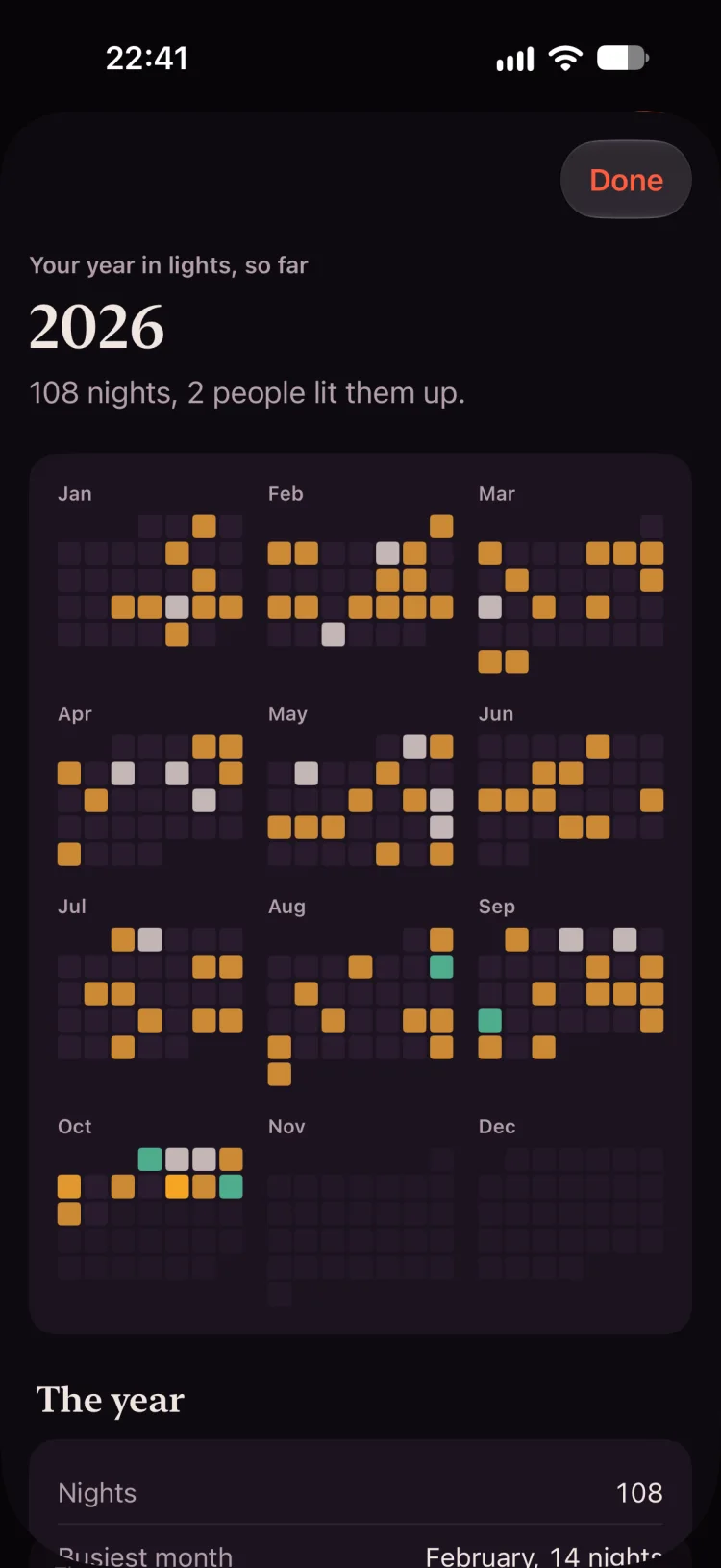
Your year in lights on one sheet, your rhythm in Stats, and on anniversaries, the night it happened.
On your Home and Lock Screen
Your month in your partners’ colors, this week as seven dots. No names, no words.
Bring your history
Coming from another app? Import the sessions it saved to Apple Health.
Discreet by default
Neutral reminders, neutral widget labels, and a curtain over the app switcher and anything you had open when it locks.
Logged in seconds.
Who, when, how long and how good. Everything else can wait until tomorrow, or forever.
- In your Journal
- One tap on “Last night with Noor”.
- Out loud
- Say “Log last night in BedStats” to Siri, or put it on the Action button.
- On your wrist
- Start a timer on Apple Watch, or log last night with a tap.
- From the Lock Screen
- A Quick Session control in Control Center, with the timer in the Dynamic Island.
Didn't happen? Log that too. It shows as an outline and never counts toward your stats.
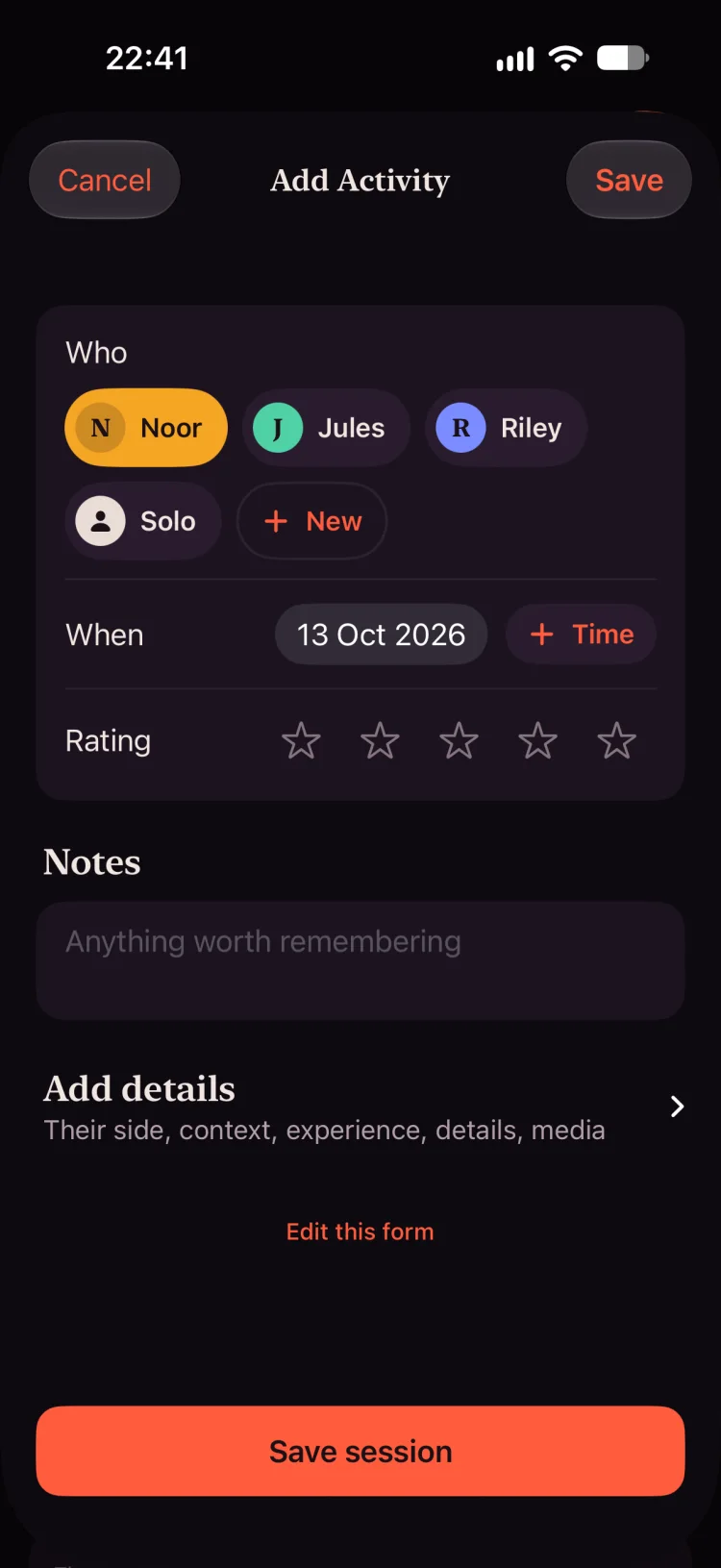
Every night glows in your partner's color.
Your month is a sheet of lit nights: one color for each partner, ivory for solo. Made for couples first, and for every kind of relationship: solo, one partner, or several.
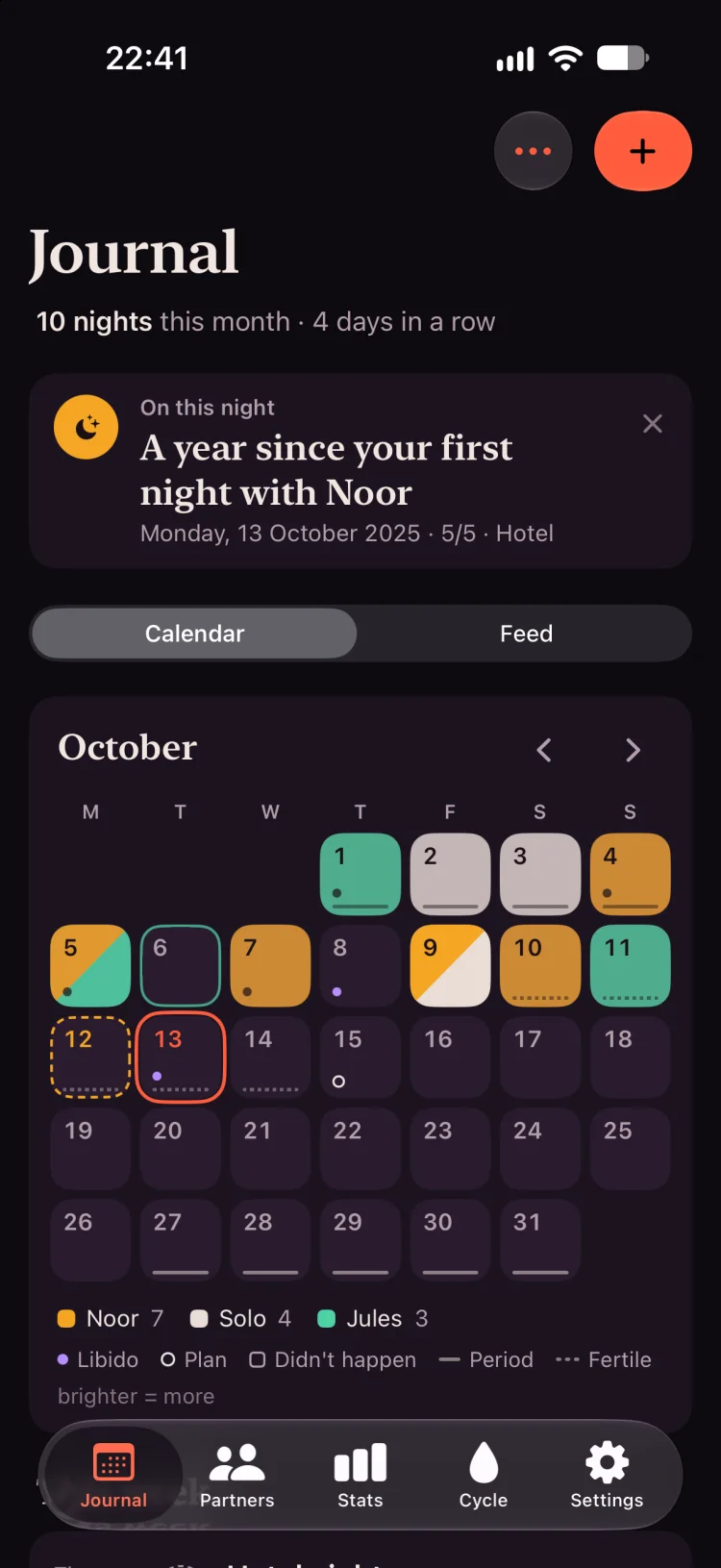
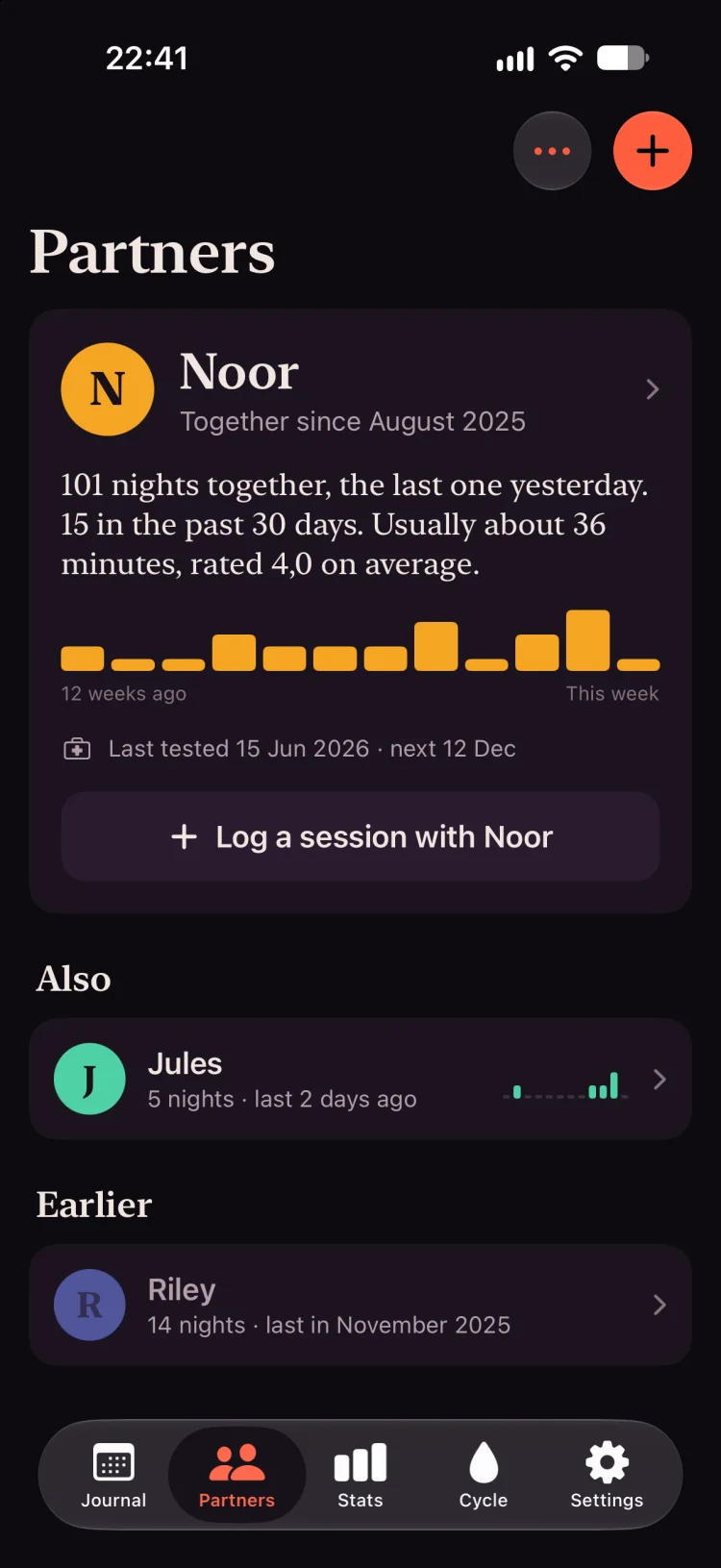
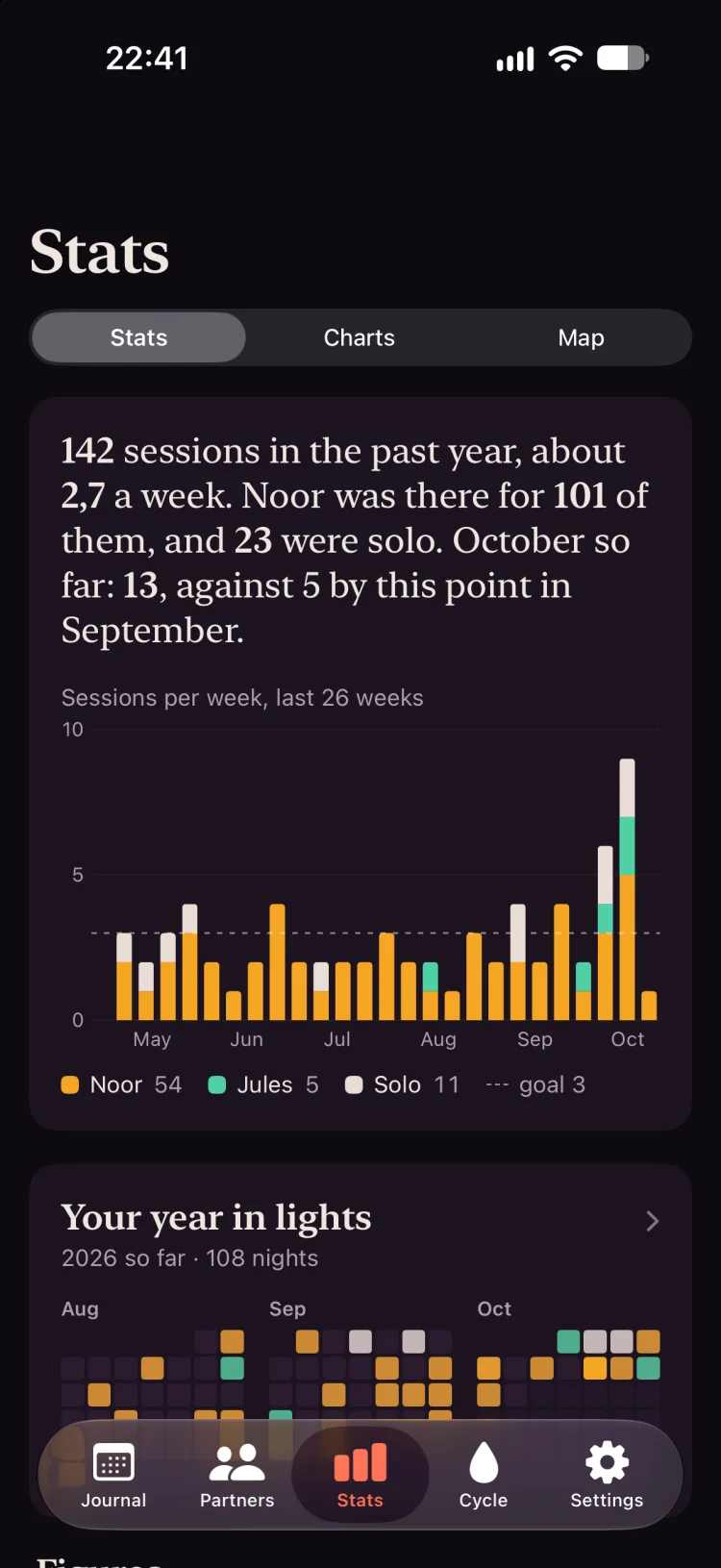
Your rhythm, in plain words.
Stats opens with a few honest sentences and one chart, not a wall of numbers.
142 sessions in the past year, about 2.7 a week. Noor was there for 101 of them, and 23 were solo. October so far: 13, against 5 by this point in September.
Your year in lights.
Every night of the year on one sheet, to keep or to share without names.
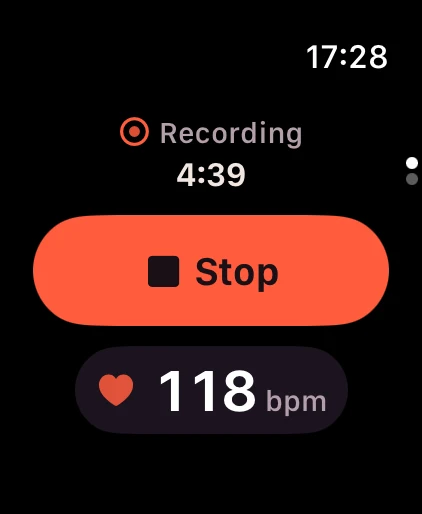
Start it from your wrist.
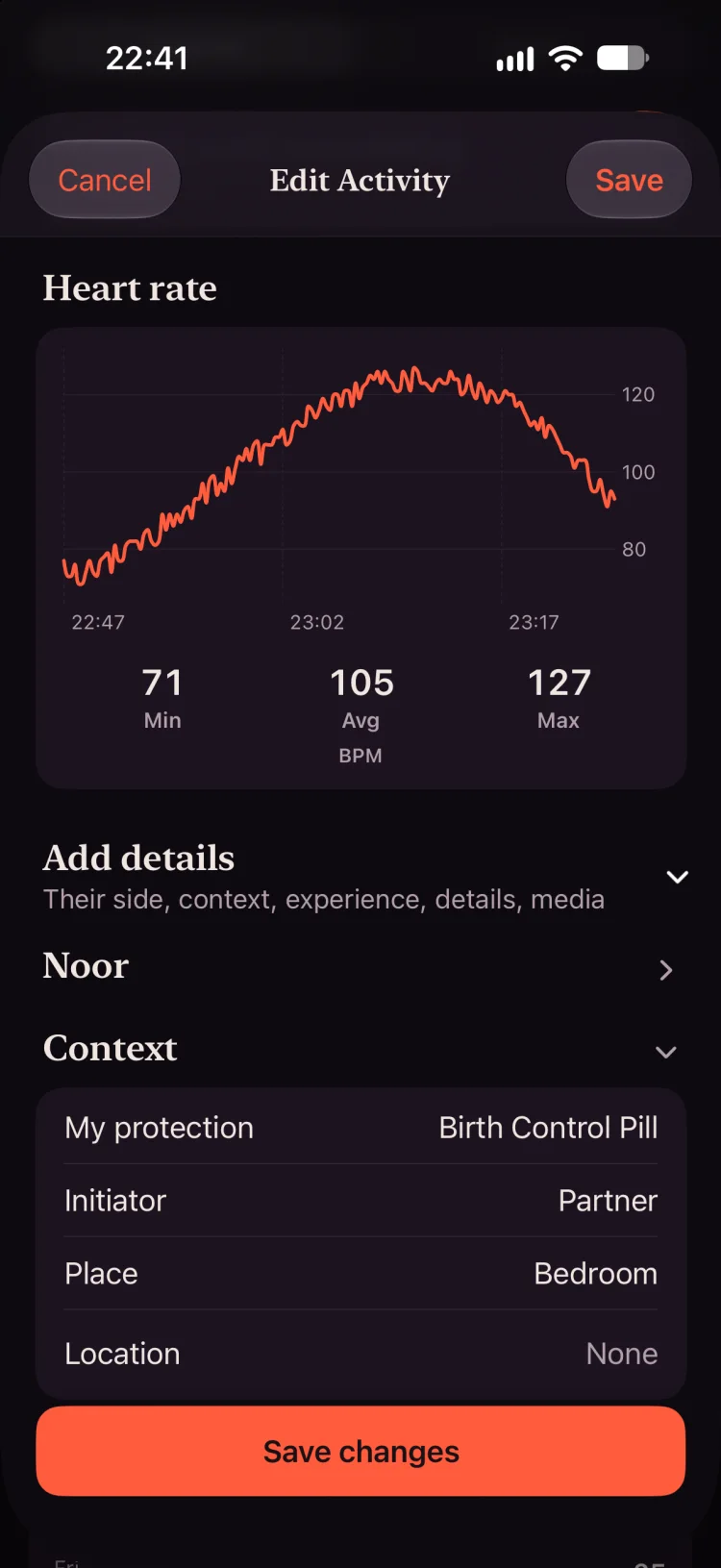
An Apple Watch timer that keeps running when the screen sleeps, with your heart rate along for the ride. Permissions are asked once, not every time.
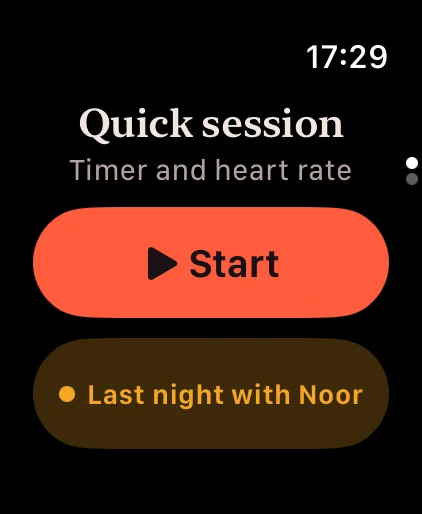
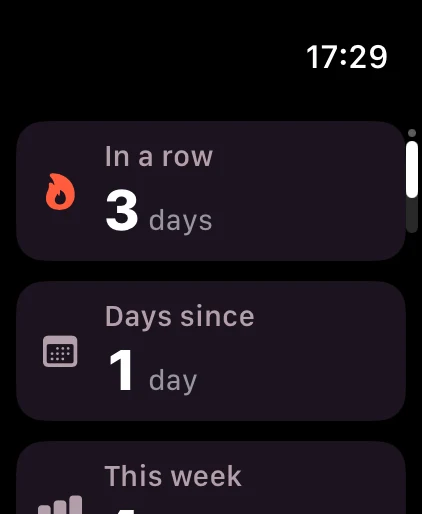
Complications for a quick start, days since, your week and what's planned.
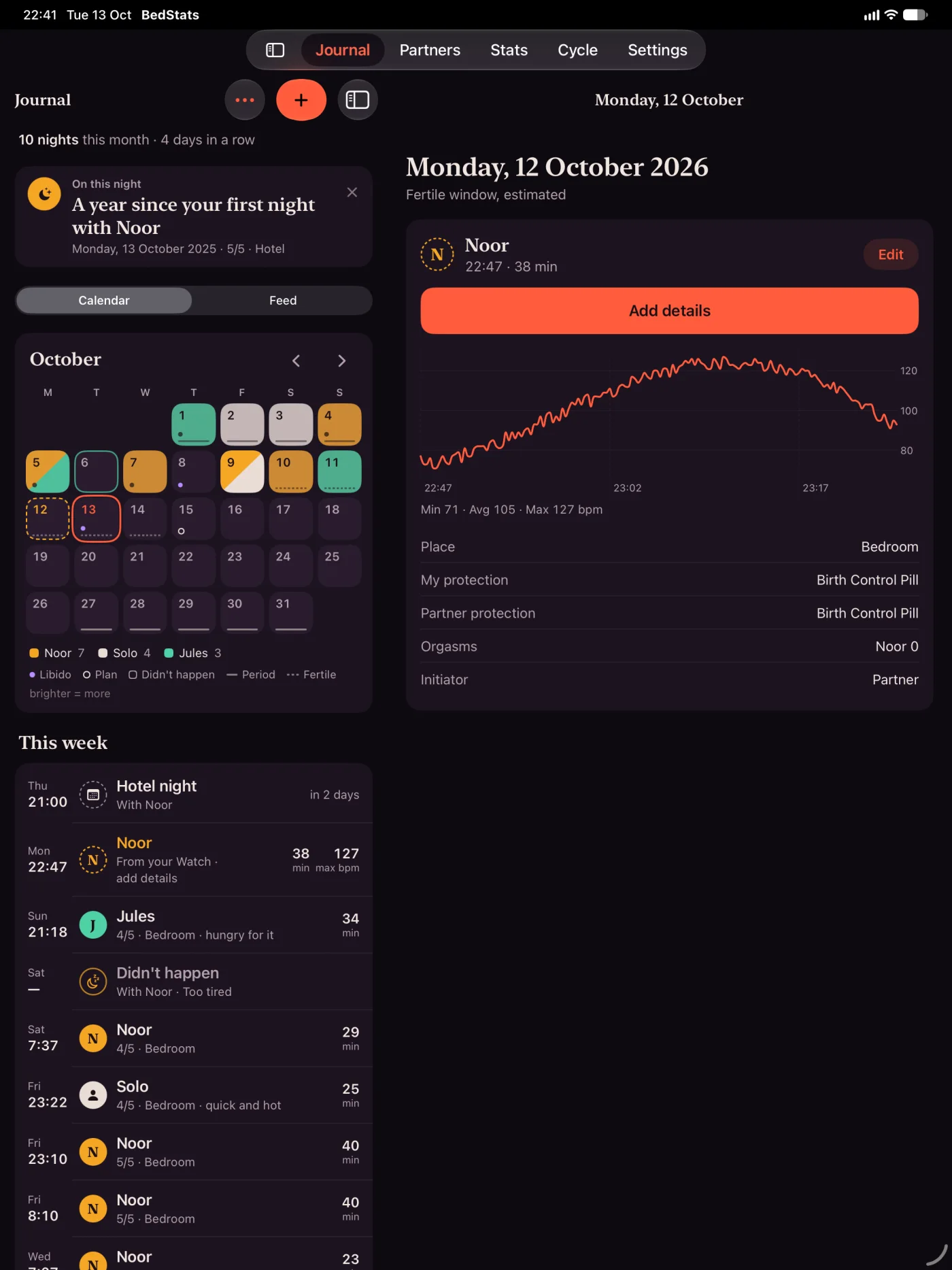
Now on iPad, and in sync.
Side-by-side layouts on iPad. Turn on iCloud sync and every night shows up on your iPhone and iPad.
- Off until you turn it on.
- It lives in your own private iCloud, where we never see it.
- Heart rate stays on the device that read it, unless you choose to sync it.
On your Home and Lock Screen. Without a word.
This Month shows your month in your partners' colors. This Week sits on the Lock Screen as seven dots. Neither says what it's for.
Also: an activity heatmap, recent sessions, days-since counters, quick actions, and a Live Activity timer.
Yours alone.
Your intimate life is nobody's business but yours, even when someone else picks up your phone.
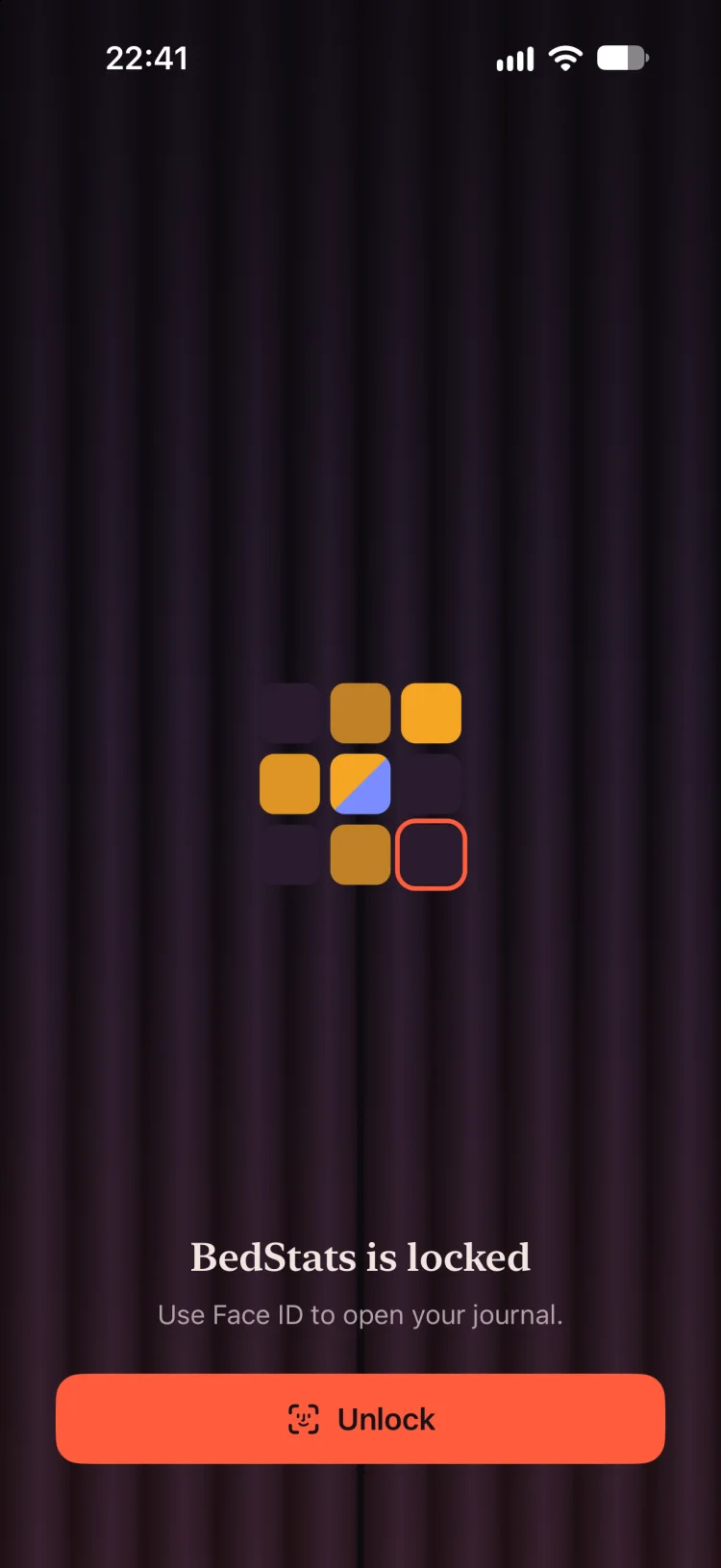
- Locked
- Face ID or Touch ID, and a curtain over the app switcher and anything you had open.
- Neutral outside the app
- Reminders and widget labels give nothing away. Partner names stay out of notifications, Siri and Spotlight until you allow them.
- A discreet icon
- Swap the Home Screen icon for a neutral “Wellness” one.
- No account
- Your journal lives on your devices, and in your own iCloud only if you turn on sync or backups.
- Honest about stats
- Anonymous usage statistics help us improve the app. They never include names, notes or media.
Every detail, when you want it.
Nothing here is in your way when you log. All of it is there when you come back.
Every session
- Several partners per session, each with their own protection, orgasms and notes
- Positions, practices, protection, initiator, place and ratings
- Photos and short videos, with blurred previews
- Hide the fields you never use, rename the ones you do, add your own
Your health
- Libido check-ins, with an optional daily reminder
- Track your cycle, or a partner’s
- Protection for each partner, including PrEP
- Checkup dates and reminders for each partner
Apple Health, all optional
- Save partnered sessions to Health
- Add heart rate to your sessions
- Import your history from other apps
- Read your cycle
Looking back
- Charts for sessions per week, protection, solo vs. partnered and who initiates
- A map of where it happened, if you want one
- A short Apple Intelligence summary, written on your device (supported devices)
- Free iCloud backups and backup files, so your story can’t vanish
Questions, answered.
Is BedStats really free?
Yes. Everything in BedStats is free: no subscriptions, no in-app purchases and no premium tier. App lock, iCloud backups and export are included.
Who can see my journal?
Only you. BedStats has no account and no servers that hold your journal. It lives on your devices, and in your own private iCloud only if you turn on sync or backups. Anonymous usage statistics never include names, notes, places, media or health values.
Can I keep BedStats hidden on my phone?
Yes. Lock it with Face ID or Touch ID, and a curtain hides it in the app switcher. Reminders and widgets use neutral wording, partner names stay out of notifications, Siri and Spotlight until you allow them, and you can swap the icon for a discreet “Wellness” one.
Is it only for couples?
No. BedStats is made for couples first, and for every kind of relationship: solo, one partner, or several. A session can have several partners, each with their own protection, orgasms and notes.
Which devices does BedStats work on?
iPhone and iPad with iOS 18 or later, and Apple Watch with watchOS 11 or later. iCloud sync keeps your iPhone and iPad in step; it is off until you turn it on.
Can I bring my history from another app?
Yes. If your previous app saved sessions to Apple Health, BedStats can import them.
Can I export or delete my data?
Yes. Export your journal as a file at any time, photos and videos included. To delete everything, use Remove Data in Settings, and “Delete synced data from iCloud” if you use sync.