How the import works.
Apple Health keeps a record of sexual activity that many apps can write to. BedStats reads those records, with your permission, and adds them to your journal.
- 1. Check your old app
- Make sure it saved your sessions to Apple Health.
- 2. Install BedStats
- Free, with no account to create.
- 3. Allow Apple Health
- Let BedStats read sexual activity, then import your history.
Then make it yours.
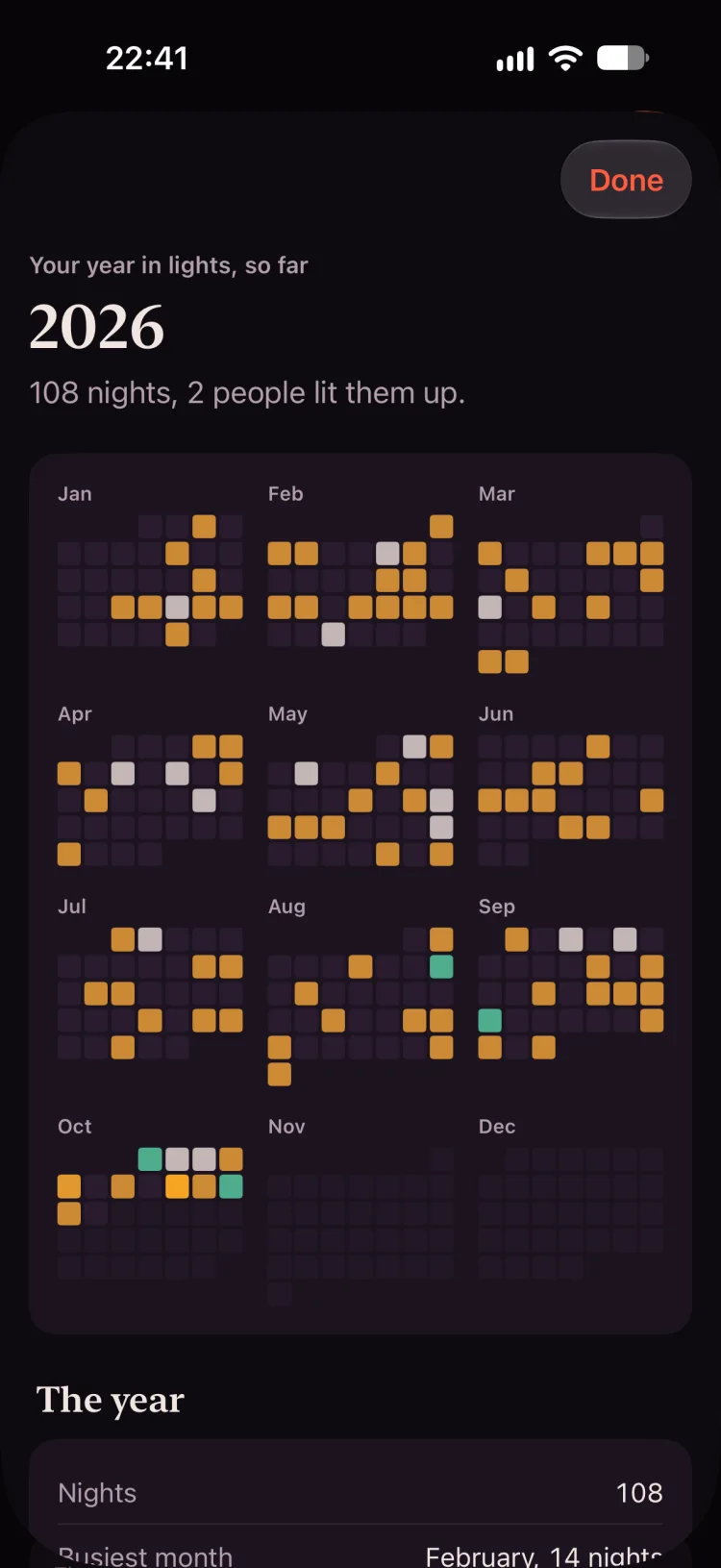
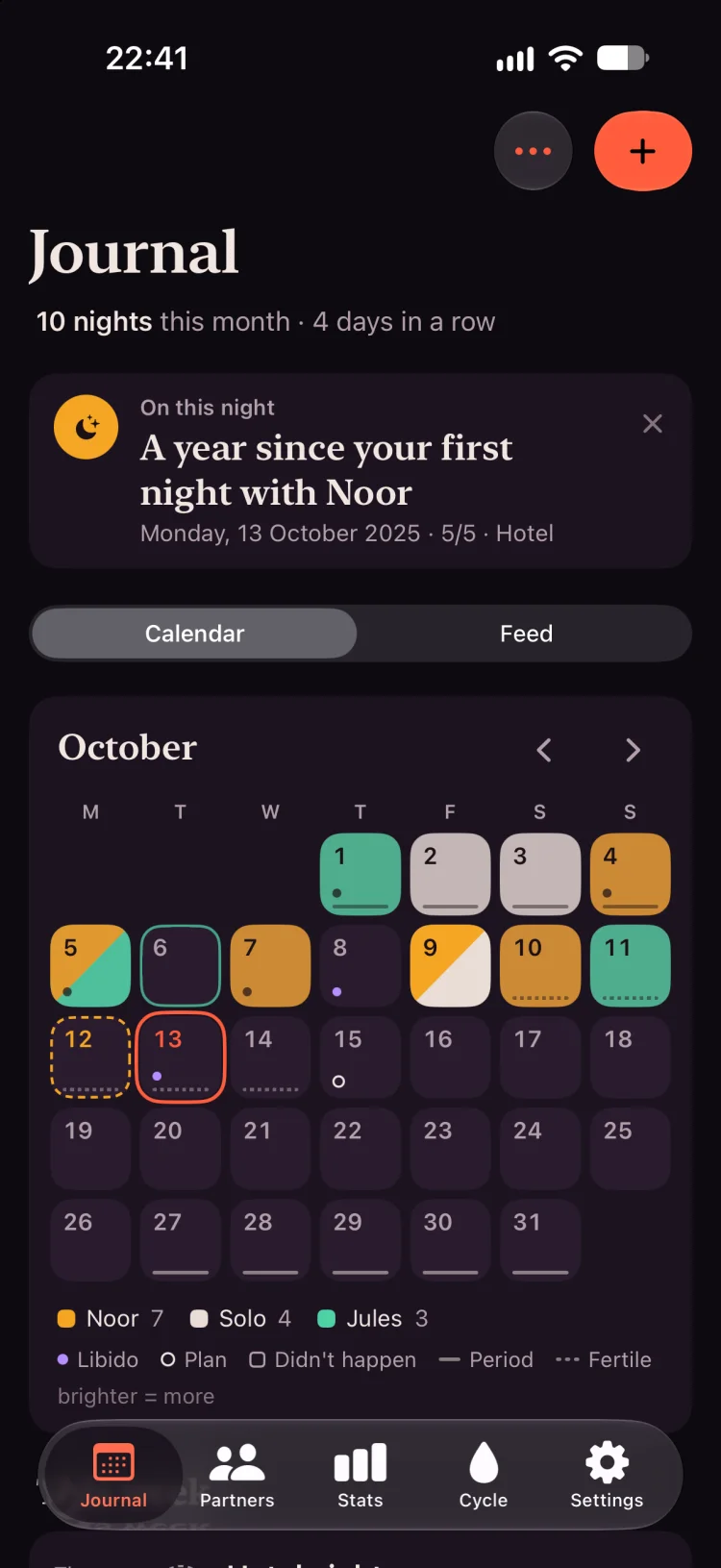
Once your history is in, it sits in the same calendar, stats and year in lights as every night you log from now on.
And never lose it again.
Free iCloud backups and backup files, so your story can’t vanish. Export your journal as a file at any time, photos and videos included.
- No account
- No sign-up. Your journal lives on your devices, and in your own iCloud only if you turn on sync or backups.
- Locked
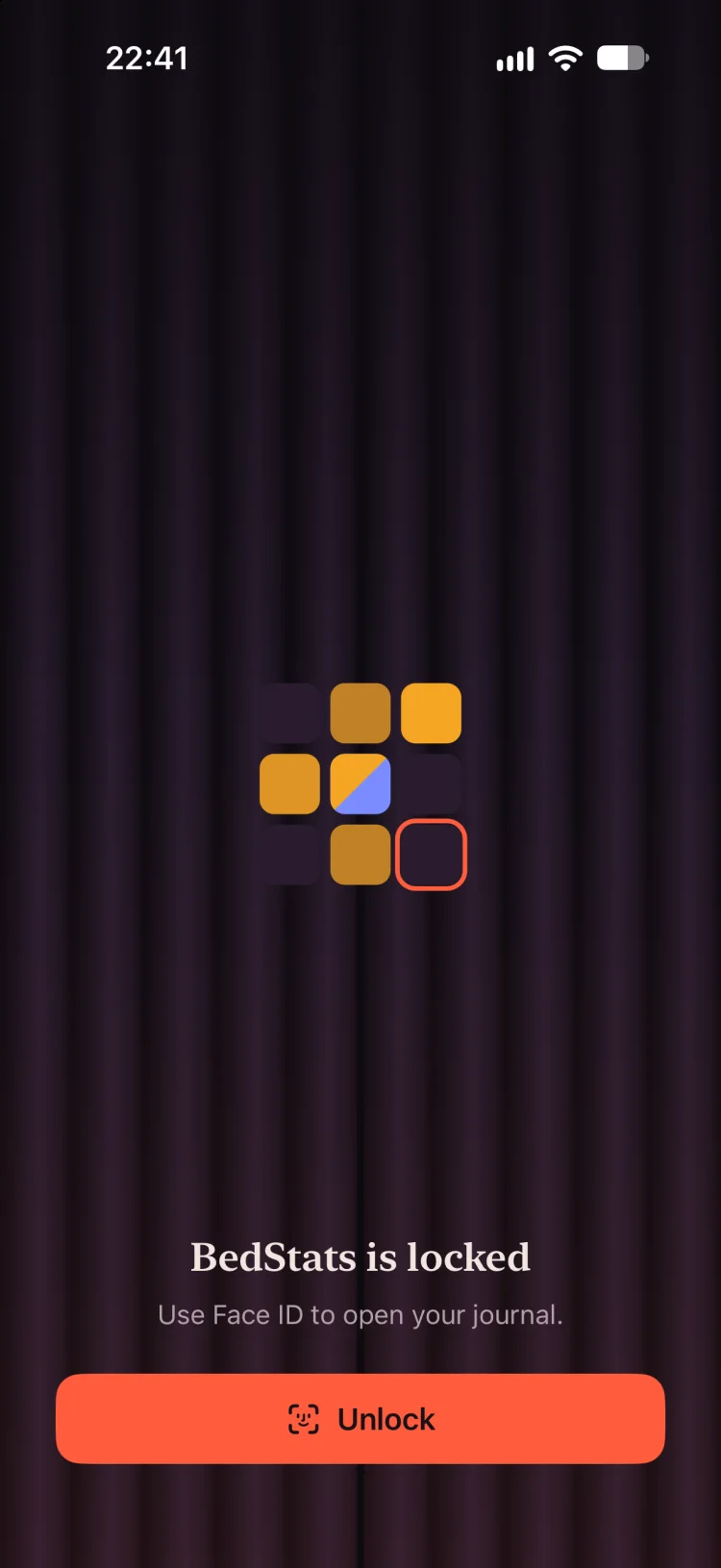
- Face ID or Touch ID, and a curtain over the app switcher.
Questions, answered.
Which apps can I import from?
Any app that saved your sessions to Apple Health as sexual activity. BedStats imports through Apple Health, with your permission.
Will importing change anything in my old app?
No. BedStats only reads the records in Apple Health.
Can I take my data out of BedStats later?
Yes. Export your journal as a file at any time, photos and videos included. BedStats can also save partnered sessions back to Apple Health if you turn that on.
Does switching cost anything?
No. BedStats is free: no subscriptions, no in-app purchases and no premium tier.